
 0
0
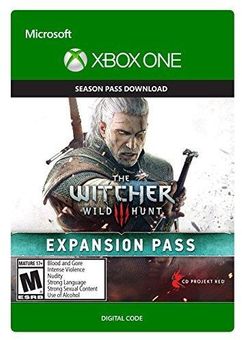
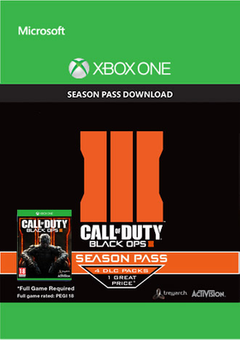
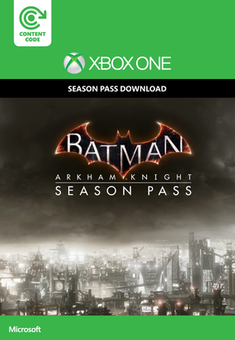
Base Game Required. Available Here!
When you buy an Xbox Play Anywhere digital game through the Xbox Store or the Windows Store, it’s yours to play on both Xbox One and Windows 10 PC at no additional cost. To take advantage of Xbox Play Anywhere, you will need to have installed the Windows 10 Anniversary Edition update on your PC, as well as the latest update on your Xbox One console. Then, simply log into your Xbox Live/Microsoft account and your Xbox Play Anywhere games will be available to download. You can redeem the PC code HERE.
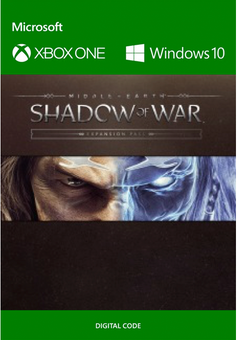
For more info *CLICK HEREMiddle-Earth: Shadow of War Expansion Pass Includes:
- Slaughter Tribe Nemesis Expansion
- Outlaw Tribe Nemesis Expansion
- The Blade of Galadriel Story Expansion
- The Desolation of Mordor Story Expansion
-
HOW TO REDEEM XBOX PLAY ANYWHERE GAME CODE

Xbox One Console / Xbox Series X|S Console:
- Sign in to your Xbox One / Xbox Series X|S (make sure you’re signed in with the Microsoft account you want to redeem the code with)
- Press the Xbox button on the controller to open the guide, and then select Store.

- Press the View button on the controller to open the side menu, and then select Redeem.

- Enter your unique code that’s displayed on the ‘Orders’ page of CDKeys.com and select Next, and then follow the prompts.

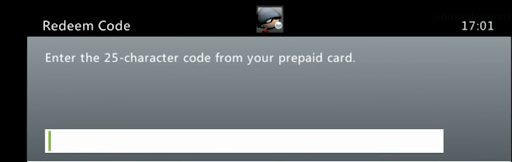
Xbox 360 Console:
- Sign in to your Xbox 360 (make sure you’re signed in with the Microsoft account you want to redeem the code with)
- Press the Guide button on your controller
- Select Games & Apps, and then select Redeem Code.
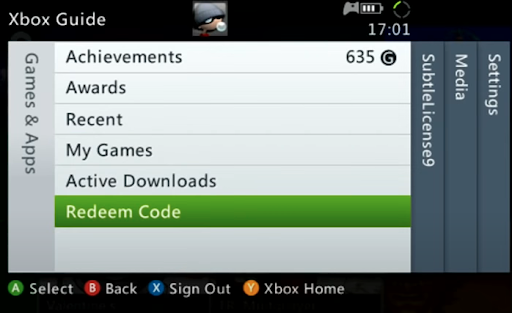
- Enter your unique code that’s displayed on the ‘Orders’ page of CDKeys.com and then follow the prompts.
Web Browser:
- On your PC or phone’s browser, navigate to https://redeem.microsoft.com
- Sign in with your Microsoft account credentials (make sure you’re signed in with the Microsoft account you want to redeem the code with).
- Enter your unique code that’s displayed on the ‘Orders’ page of CDKeys.com and select Next, and then follow the prompts.
Microsoft Store on Windows:
- On your PC, press the Start button , and then enter the store into the search bar.
- Choose Microsoft Store from the results to open the app and sign in with your Microsoft account credentials (make sure you’re signed in with the Microsoft account you want to redeem the code with).
- Select your account in the top-right corner of the screen, and then select Redeem code or gift cards.

- Enter your unique code that’s displayed on the ‘Orders’ page of CDKeys.com and select Next, and then follow the prompts.

Xbox App for Windows (ONLY PC):
- On your PC, press the Start button , and then enter Xbox into the search bar.
- Choose the Xbox app from the results to open the app and sign in with your Microsoft account credentials (make sure you’re signed in with the Microsoft account you want to redeem the code with)
- Select your gamerpic, and then select Settings.

- Select Redeem under Redeem a code.

- Enter your unique code that’s displayed on the ‘Orders’ page of CDKeys.com and select Next and then follow the prompts.




