
 0
0
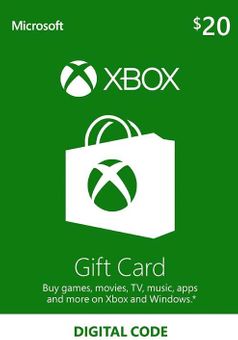
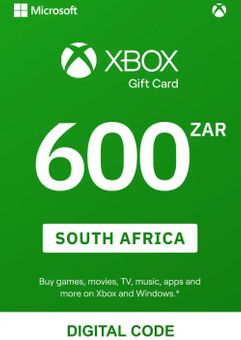
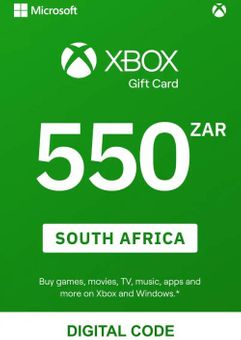
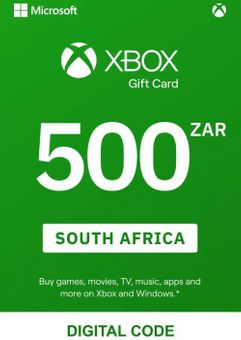
MICROSOFT XBOX GIFT CARD
Give the gift of gaming with Microsoft Xbox Gift Cards! Whether you're looking for the perfect birthday, holiday, or just-because gift, Xbox Gift Cards are the perfect choice for the gamers in your life. With these cards, your friends and family can easily purchase the latest games, movies, TV shows, and apps from the Xbox Store, as well as the Microsoft and Windows online stores.
One of the great benefits of Xbox Gift Cards is their flexibility. The cards come in a range of denominations, so you can choose the perfect amount to suit any occasion. And with no expiration date, your loved ones can take their time choosing the perfect game or add-on to buy.
What are the system requirements?
- Broadband internet connection
- Xbox Live account
Platform
GIft Card - GBP-
Activate with Xbox

Xbox One
- Sign in to your Xbox One (make sure you’re signed in with the Microsoft account you want to redeem the code with).
- Press the Xbox button to open the guide, then select Home.
- Select Store.
- Select Use a code
- Enter the 25-character code that’s displayed on the ‘Order’ page of CDKeys.com, then follow the prompts. Don’t worry about hyphens, the system takes care of those for you.
Note If you can’t locate Store, scroll down to Add more on the Home screen and select the Store tile. (You may need to select See all suggestions.) Then select Add to Home.
Xbox Series X And Series S
- Sign in to your Xbox One (make sure you’re signed in with the Microsoft account you want to redeem the code with).
- Select the Microsoft Store app from your Home Screen or search for it.
- Scroll down to "Redeem Code" (on the left-hand side (under your account name).)
- Enter the 25-character code that’s displayed on the ‘Order’ page of CDKeys.com, then follow the prompts. Don’t worry about hyphens, the system takes care of those for you.
Note If you can’t locate Store, scroll down to Add more on the Home screen and select the Store tile. (You may need to select See all suggestions.) Then select Add to Home.
Web Browser
- Load a web browser and go to this address: https://redeem.microsoft.com/enter
- Sign in with your Microsoft account credentials.
- Enter your unique code that’s displayed on the ‘Order’ page of CDKeys.com and follow the prompts to activate. Don’t worry about hyphens, the system takes care of those for you.
Windows 10
- Sign in to your PC (make sure you’re signed in with the Microsoft account you want to redeem the code with).
- Press the Start button, type store, then select Microsoft Store.
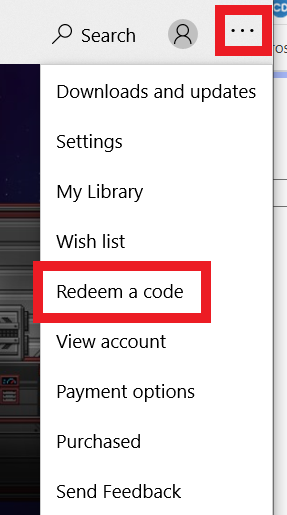
- Select More … > Redeem a code.
- Select “Redeem Code”
- Enter the 25-character code that’s displayed on the ‘Order’ page of CDKeys.com, then follow the prompts. Don’t worry about hyphens, the system takes care of those for you.
Android/Windows 10 Mobile device
- Open the Xbox mobile app, then sign in (make sure you’re signed in with the Microsoft account you want to redeem the code with).
- Press the Menu button in the upper left corner.
- Select Microsoft Store from this list, then choose Redeem a code.
- Select “Redeem Code”
- Enter the 25-character code that’s displayed on the ‘Order’ page of CDKeys.com, then follow the prompts. Don’t worry about hyphens, the system takes care of those for you.
iOS Mobile device
- Go to https://redeem.microsoft.com.
- Enter the 25-character code that’s displayed on the ‘Order’ page of CDKeys.com, then follow the prompts. Don’t worry about hyphens, the system takes care of those for you.
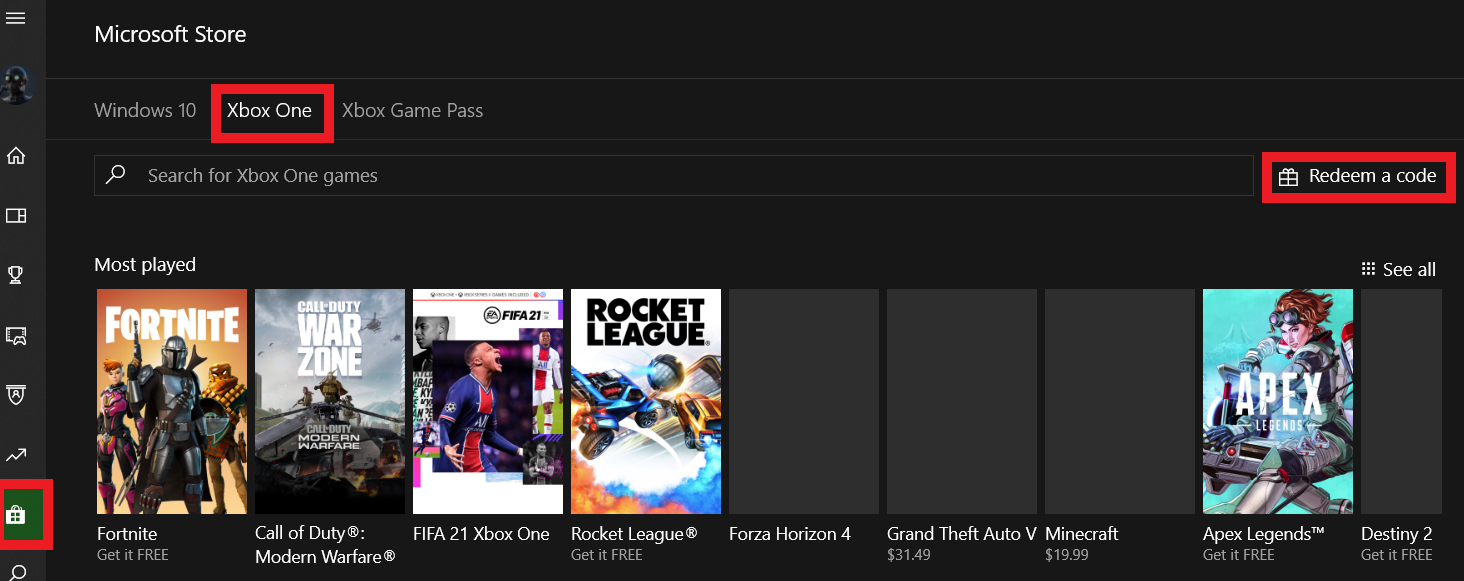
Xbox Console Companion App on Windows 10
- On your PC, press the Start button , then select Xbox Console Companion from the list of apps.
- Make sure you're signed in with the account that you want to redeem the code with. If you need to sign in with a different account, select the Gamertag picture on the left navigation bar, then select Sign out and sign in with the correct account.
- Select Microsoft Store from the left navigation bar, then select Redeem a code.
- Enter the 25-character code that’s displayed on the ‘Order’ page of CDKeys.com, then follow the prompts. Don’t worry about hyphens, the system takes care of those for you.
Xbox 360
- Sign in to your Xbox 360 (make sure you’re signed in with the Microsoft account you want to redeem the code with).
- Press the Xbox Guide button on your controller
- Select Games & Apps, then choose Redeem Code.
- Enter the 25-character code that’s displayed on the ‘Order’ page of CDKeys.com, then follow the prompts. Don’t worry about hyphens, the system takes care of those for you.



